I don't get asked about this often yet, but I can feel that changing. It's a live topic in print competition circles right now, where professional organizations are still working out what's allowed and what isn't when generative AI enters the process. And it's a topic I hear about closer to home too. I have kids ranging from seven to twenty, and AI is something they talk about, worry about, and debate constantly. It's clearly a hot-button issue for their generation, and that's part of what pushed me to sit down and actually write this out. I'd rather be transparent about how and where I use AI than have someone not book me because they were unsure. That includes this post itself: I used AI to dig through the documentation and policies linked at the bottom of this post and pull out the technical specifics from each company, since the engineering side of these tools isn't always something I can fully untangle on my own. I also ran the post through AI to proofread and clean up my grammar before hitting publish.
So here is where AI touches your images from the moment I import your RAW files to the moment your gallery goes live, which tools I use, and why. Not a sales pitch for any of them. Just the real mechanics - with sources - so that you can decide for yourself before hiring DellaMorte Photography.
The Cull: Aftershoot
Every RAW file comes off my card and into Aftershoot first. It sorts images into groups, flags the blinks and blurs, and then I go through and do the real selecting myself. It also runs a basic edit pass using presets I built, so images aren't sitting flat and gray by the time I open them in Lightroom.
Aftershoot's own support docs describe the AI as something that gets taught by watching decisions get made. It builds patterns from how I cull and edit, and it keeps adjusting every time I override a selection, so the profile it uses on your gallery is trained on years of my choices, not a generic dataset pulled from strangers' weddings. The processing itself happens locally on my machine rather than uploading your images to a cloud server to be crunched somewhere else.
The company has taken some public heat over how its terms are worded, since older language technically allowed photo and edit data to be used to improve the AI more broadly. In March, Aftershoot published a set of public commitments addressing exactly that tension: they won't build tools that compete with the creative work clients hire a photographer for, culling and editing stay local with the photographer as the decision-maker, and any features that do require moving images off-device for shared learning can be turned off during import, with existing data deletion available on request. None of your images have been sold or handed off to a third party.
The Edit: Lightroom
After Aftershoot, everything opens in Lightroom for the pass that actually matters most to me: color correction, crop, denoise when a file needs it, and light retouching like blemish removal.
The denoise tool is where AI is doing real work here. Instead of the old method of just blurring grain into submission, Lightroom's AI Denoise runs a model trained on paired sets of noisy and clean images, so it's predicting what the clean version of a pixel should look like based on what's around it rather than smearing detail away. That processing also happens locally, on RAW files specifically, where there's more raw data for it to work from.
Adobe's generative tools inside Lightroom, the ones that can remove or fill in entire sections of a photo, are a separate system called Firefly, and I want to be honest that I don't lean on those for client galleries. Adobe states Firefly is trained on licensed Adobe Stock content and public domain material rather than customer photos by default. That claim got some real scrutiny in 2024 when reporting found a small percentage, Adobe said around 5 percent, of the Stock images used in training had themselves been generated by other AI tools, including ones Adobe had positioned itself against. It's a good reminder that "ethically trained" claims are worth checking rather than taking at face value, from any company.
The Occasional Retouching: Photoshop's Remove Tool
When a client specifically asks, I'll also take an image into Photoshop and use the Remove tool to pull out cars, telephone poles, stray soda cans, or other distractions that snuck into an otherwise beautiful frame. This one comes up a lot in photography circles, so I wanted a straight answer rather than secondhand chatter, and I went to Adobe directly for it.
The Remove tool does use generative AI, but not in every case. It runs on a blend of technologies: for small, simple areas it uses the older machine learning approach that pulls detail from elsewhere in your own photo, and for larger or more complex areas it can call on Adobe Firefly to generate entirely new pixels to fill the gap. You can control which one it uses, setting the tool to Auto, to always use generative AI, or to never use it.
As for training, Adobe's own Firefly FAQ answers this directly: they do not train on Creative Cloud subscribers' personal content. Firefly's models are trained on Adobe Stock, openly licensed content, and public domain material where copyright has expired. The one exception is if a photographer chooses to submit their own images to the Adobe Stock marketplace, since that content becomes part of Firefly's training set under Adobe's Stock contributor agreement, but that's a separate, voluntary action, not something that happens automatically when you edit a client photo.
I'll add the caveat I've come to expect by now: using the generative version of the Remove tool does send that portion of your image to Adobe's servers for processing, since it isn't a local, on-device operation the way Lightroom's AI Denoise is. Your images aren't used to train the model from that process, but they do briefly leave your machine to get the result back. For me, that's worth knowing and worth telling you, even though it doesn't change how I use the tool.
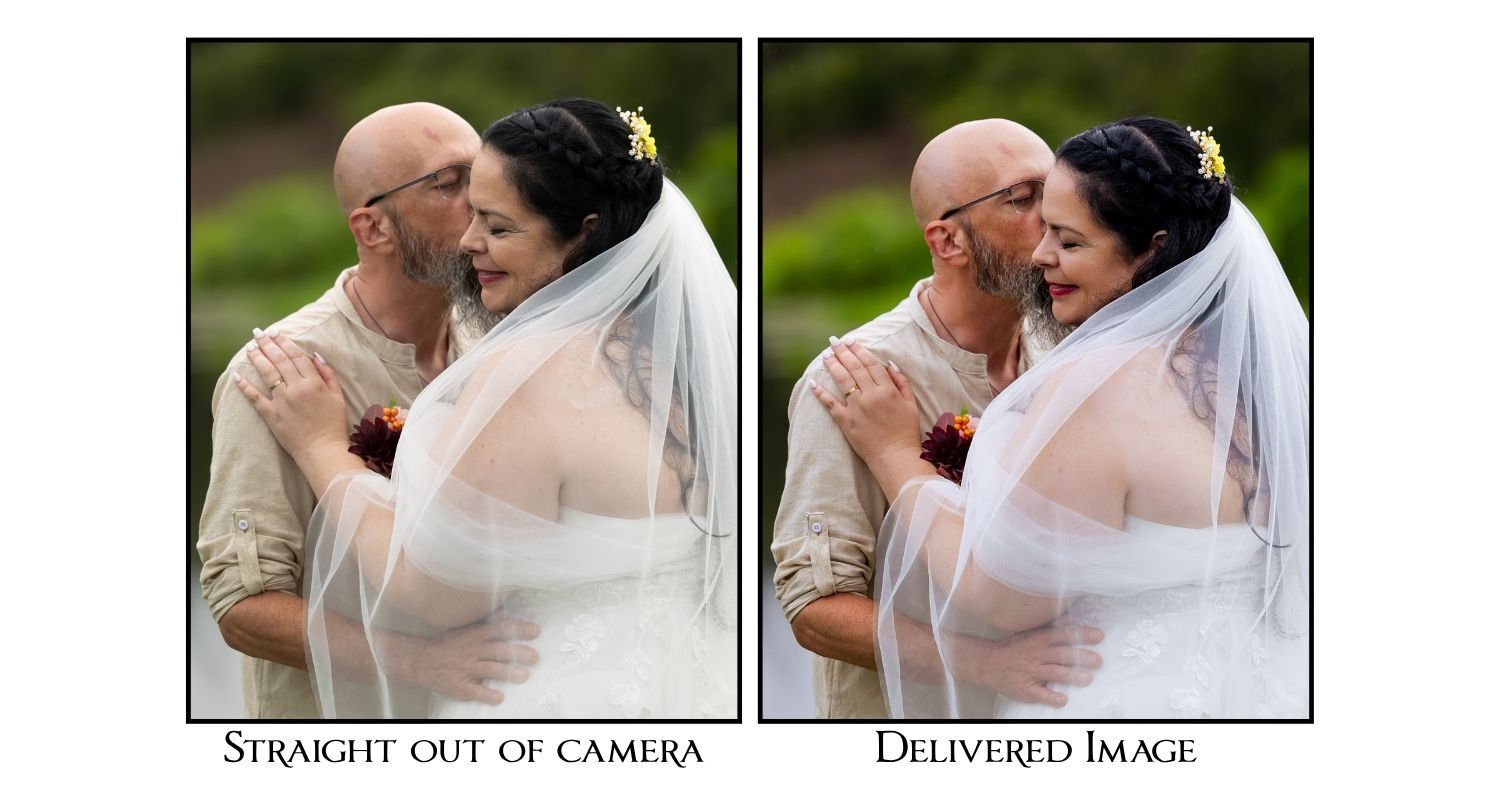
The Add-On Retouching: Evoto
When a client adds portrait retouching, I run those images through Evoto. It works on sliders rather than sweeping presets, so I can dial in exactly how much skin softening, blemish removal, flyaway cleanup, teeth whitening, or skin tone evening a given image actually needs instead of applying one setting to everyone.
Evoto states plainly that client images and edits are never used to train its models, and that its training data comes from licensed material and original photography shot specifically for that purpose, with photographers and models hired and paid for the work. The company holds ISO/IEC 27001 and SOC 2 Type II certification and states it's GDPR and CCPA compliant.
I'll also tell you the part that doesn't make it into most company write-ups: earlier this year Evoto briefly tested a generative AI headshot tool that raised real questions among photographers about where that model's training data was actually coming from. The backlash was immediate, and Evoto pulled it and issued a public apology, restating that client images are never used for training and that they'd crossed a line by testing something closer to full image generation rather than retouching. I bring this up not to throw the company under the bus, since they responded well, but because I think you deserve to know I'm watching for this kind of thing, not just reading a company's marketing page once and calling it settled.
Where I Draw the Line
Every tool above stays in a supporting role. Here's what stays entirely mine, no matter how good the AI gets:
I don't let software make the final call on which images make your gallery. Aftershoot narrows things down and flags the technical misses, but I go through every group myself and choose. The shot that matters most in a wedding gallery is rarely the technically perfect one. It's the blurry half-second of your dad's face crumbling during the first look, or the out-of-focus hand reach across a table. An algorithm scoring sharpness and exposure will never know that frame is the one you'll cry over in twenty years. I do.
And there are things I won't do at all, add-on or not: I don't generate people, faces, or details that weren't there. I don't invent moments. I don't use AI to place you somewhere you weren't or show something that didn't happen. The retouching and cleanup tools in this post are working with what the camera actually captured. That line matters to me, and it's not going to move as the tools get more capable.
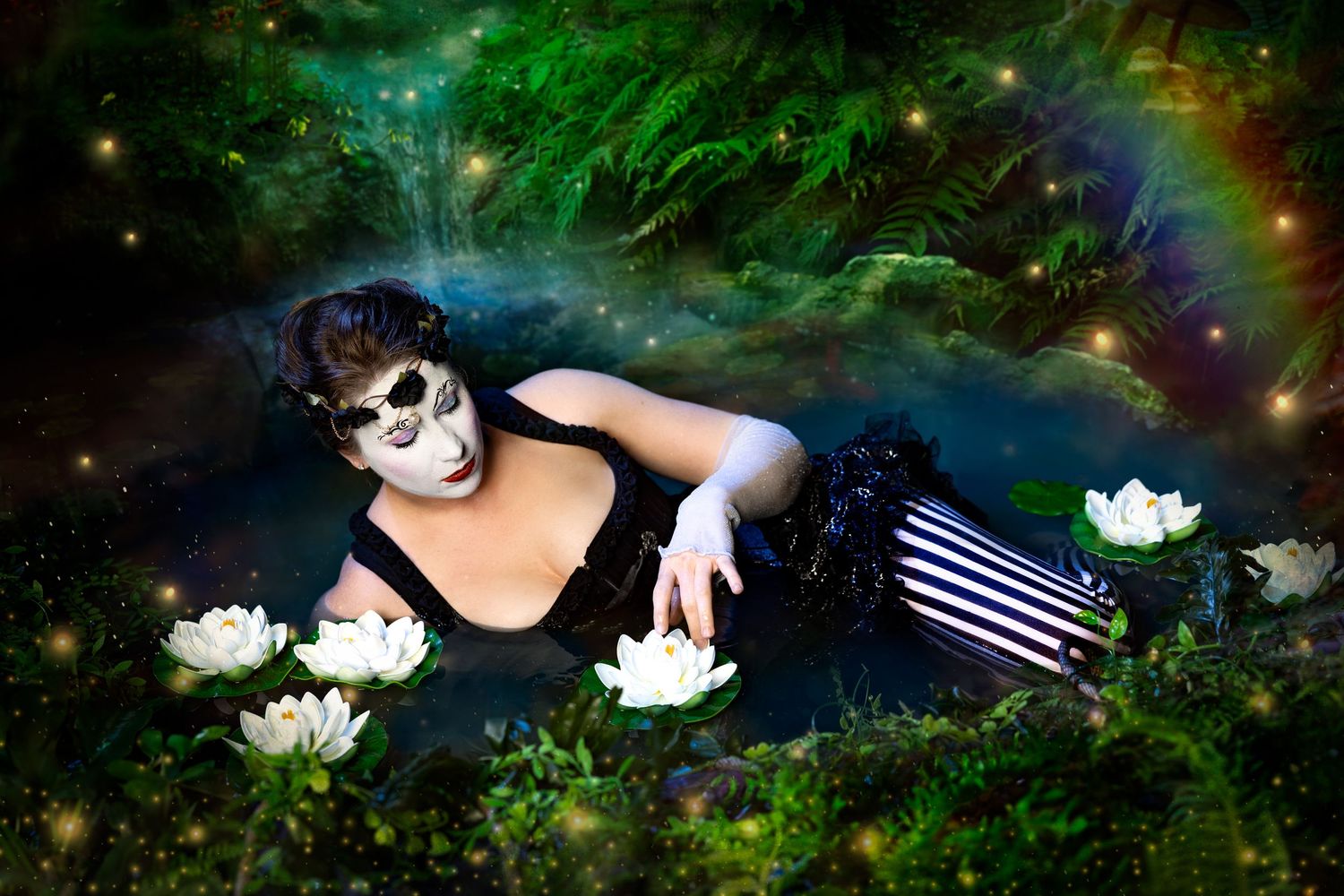
The one exception is when we both know it's a fantasy. If you want a creative composite, like the two of you running from a T-rex, that's a different category entirely. It's a shared joke we're both in on, not me passing off something fake as a real moment from your day. I've built composites like that by hand before, and now that Firefly can pull from licensed Adobe Stock to help build one, I consider that just as ethically sourced as when I'd buy a stock image outright and edit it in myself. Either way, the source material is licensed and the final image is something you asked for, not something I'm presenting as documentary truth.
Why This Matters to Me
None of these tools are making the decisions that matter. I'm still the one selecting which frame of your first kiss makes the gallery, still the one deciding how warm your skin tone should read, still the one choosing whether a blemish stays or goes. What AI is doing is taking the repetitive, technical parts of post-production, the culling, the noise reduction, the fine slider work on retouching, off my plate so I have more hours left for the parts of this job that are actually mine to do: seeing you clearly and telling your story honestly.
If you have questions about any piece of this, ask me. I'd rather talk it through than have you wonder.
Sources
- Aftershoot, "Technical Answers About Aftershoot"
- Aftershoot, "Culling FAQ"
- Australian Photography, "Aftershoot AI-powered software company commits to AI tenets"
- National Law Review, "Aftershoot Publishes Binding Commitments on AI Scope, Data Practices and Photographer Input"
- PetaPixel, "Aftershoot Promises to Develop AI That Works for, Never Against, Photographers"
- Archipelago, "Unmasking AI: Lightroom vs Generative AI Explained"
- Adobe, "Adobe Firefly FAQ"
- Adobe, "Machine Learning FAQ"
- Adobe Blog, "Clarification on Adobe's Terms of Use"
- Adobe, "Remove objects from a photo" (Camera Raw help)
- Adobe Community, "Generative AI in the Remove Tool for Photoshop (Beta)"
- Photoshop Essentials, "New in Photoshop 2025: Using the Remove Tool with Generative AI"
- Bloomberg via Yahoo Finance, "Adobe's 'Ethical' Firefly AI Was Trained on Midjourney Images"
- Evoto, "Evoto Desktop: AI Photo Editor for Fast Photography Workflow"
- Evoto, "About Evoto"
- Evoto, evoto.ai
- Digital Camera World, "'We missed the mark, and we are sorry.' Evoto responds to AI Headshot Generator backlash"
- Digital Camera World, "Evoto AI review"